


Clearing Your SingSnap Cache & Cookies
Having trouble logging in, recording, or loading pages correctly? Clearing your SingSnap cache and cookies can often resolve these issues in just a few seconds.
This tool only removes SingSnap data stored in your browser. Your account, recordings, and other websites are completely unaffected.
Step 1: Open the Menu
Click the ☰ (three-line menu) in the upper-right corner of SingSnap.
This will open the side menu where you can access account options and support tools.

Step 2: Open Troubleshooting
In the side menu, scroll down and click Trouble Shooting.
You can also access the page directly by visiting:

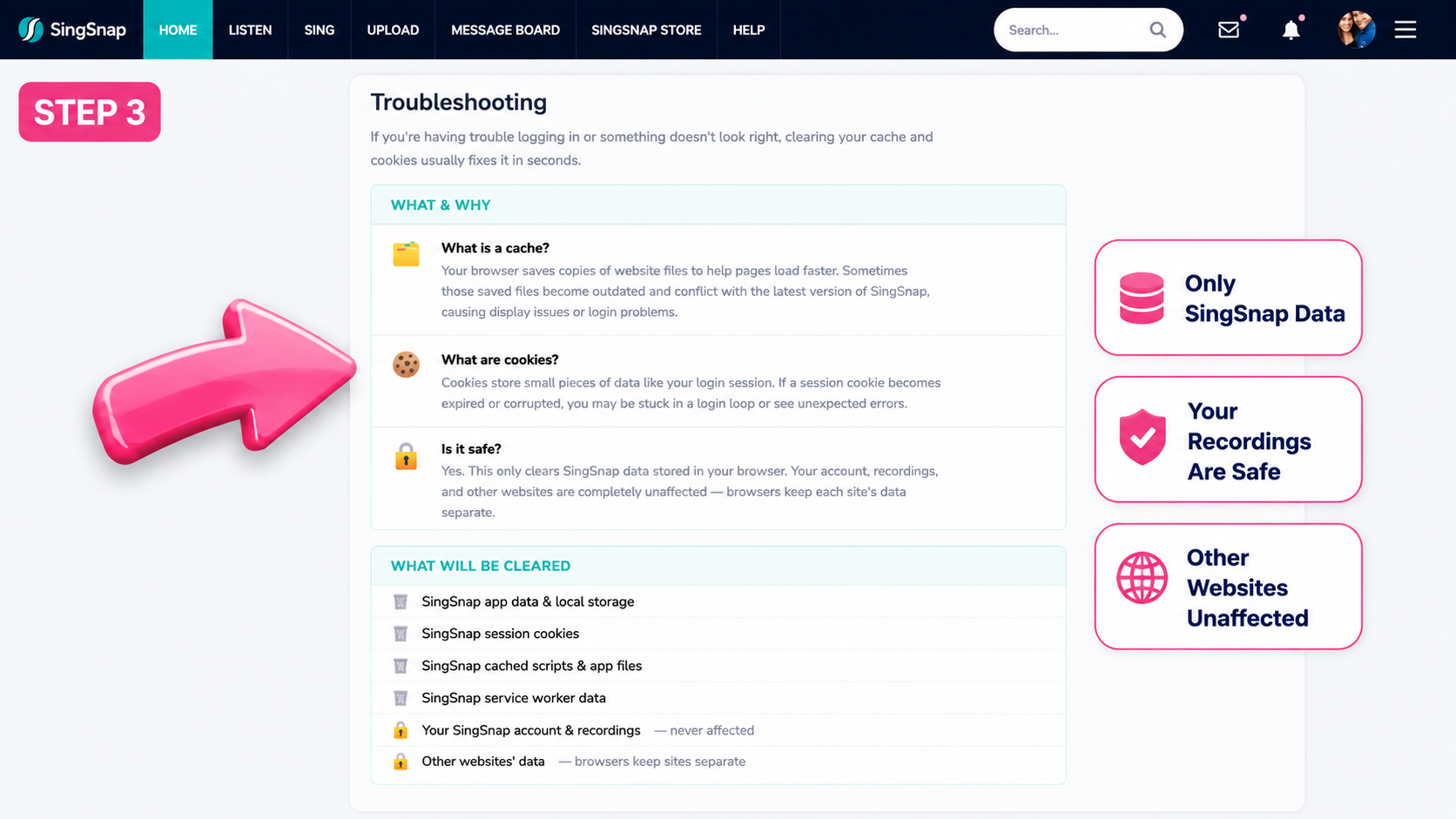
Step 3: Review the Troubleshooting Page
The Troubleshooting page explains:
- What cache files are
- What cookies are
- What data will be cleared
- What data will remain untouched
You'll also see confirmation that:
- Your SingSnap account and recordings are safe
- Other websites will not be affected
- Only SingSnap data stored in your browser will be removed
Step 4: Clear Your SingSnap Cache & Cookies
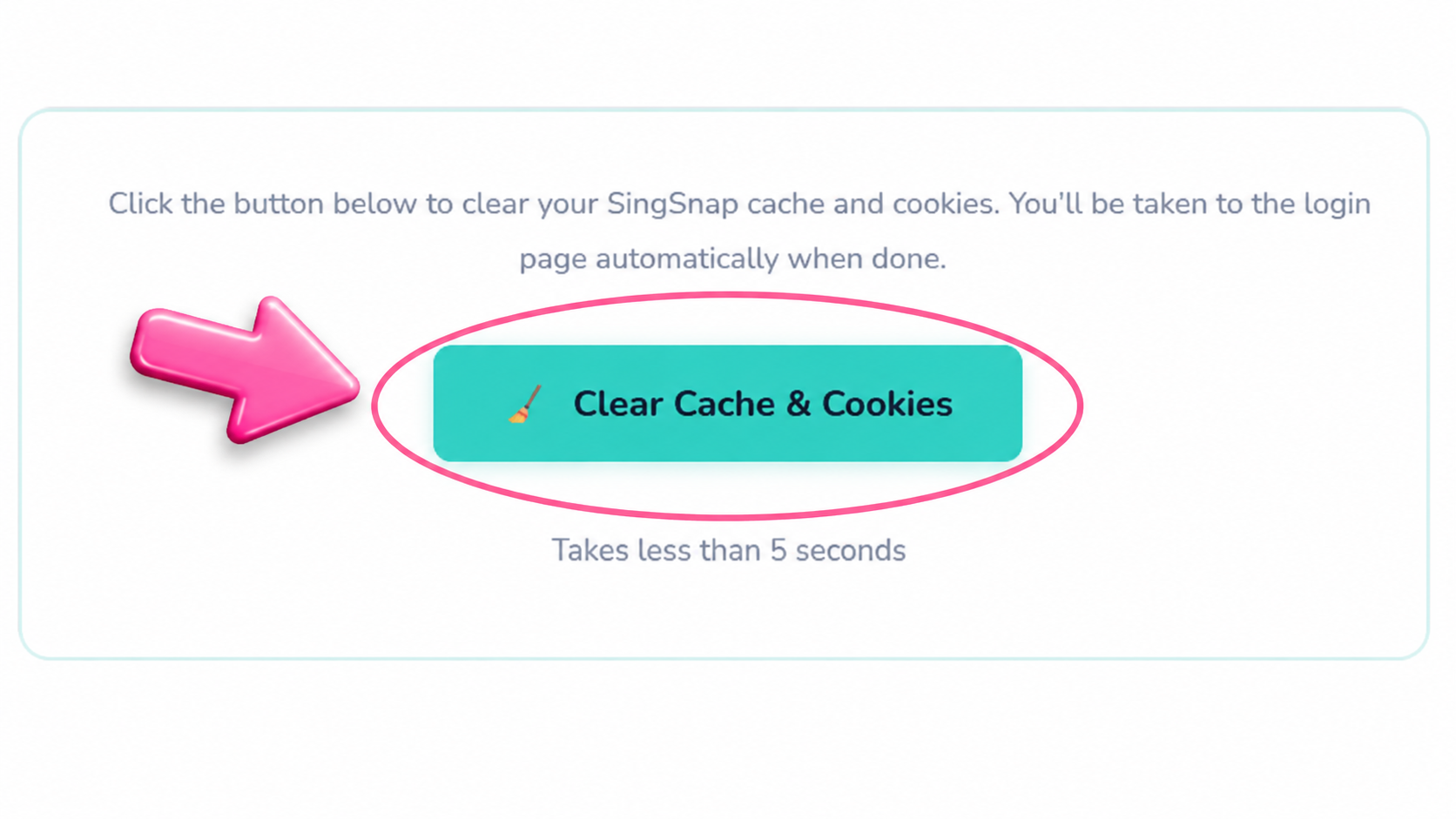
Scroll to the bottom of the page and click the Clear Cache & Cookies button.
The process takes less than five seconds.
Step 5: Wait for the Process to Complete
SingSnap will automatically clear:
- SingSnap app data and local storage
- SingSnap session cookies
- SingSnap cached scripts and app files
- SingSnap service worker data
Your recordings, account information, and data from other websites will not be affected.
Step 6: Sign In Again
Once the process is complete, you'll automatically be redirected to the SingSnap login page.
Simply sign back in and continue enjoying SingSnap. Happy Singing!