


How to Reset Your SingSnap Password
If you’ve forgotten your SingSnap password or just need to change it, you can easily request a reset link. Just follow these simple steps:
Step 1: Go to the Login Screen
Open your web browser, navigate to the SingSnap website, and head over to the main login screen.
Step 2: Click "Forgot Password"
Look right below the password text field. You will see a link that says Forgot Password?. Click on that link.

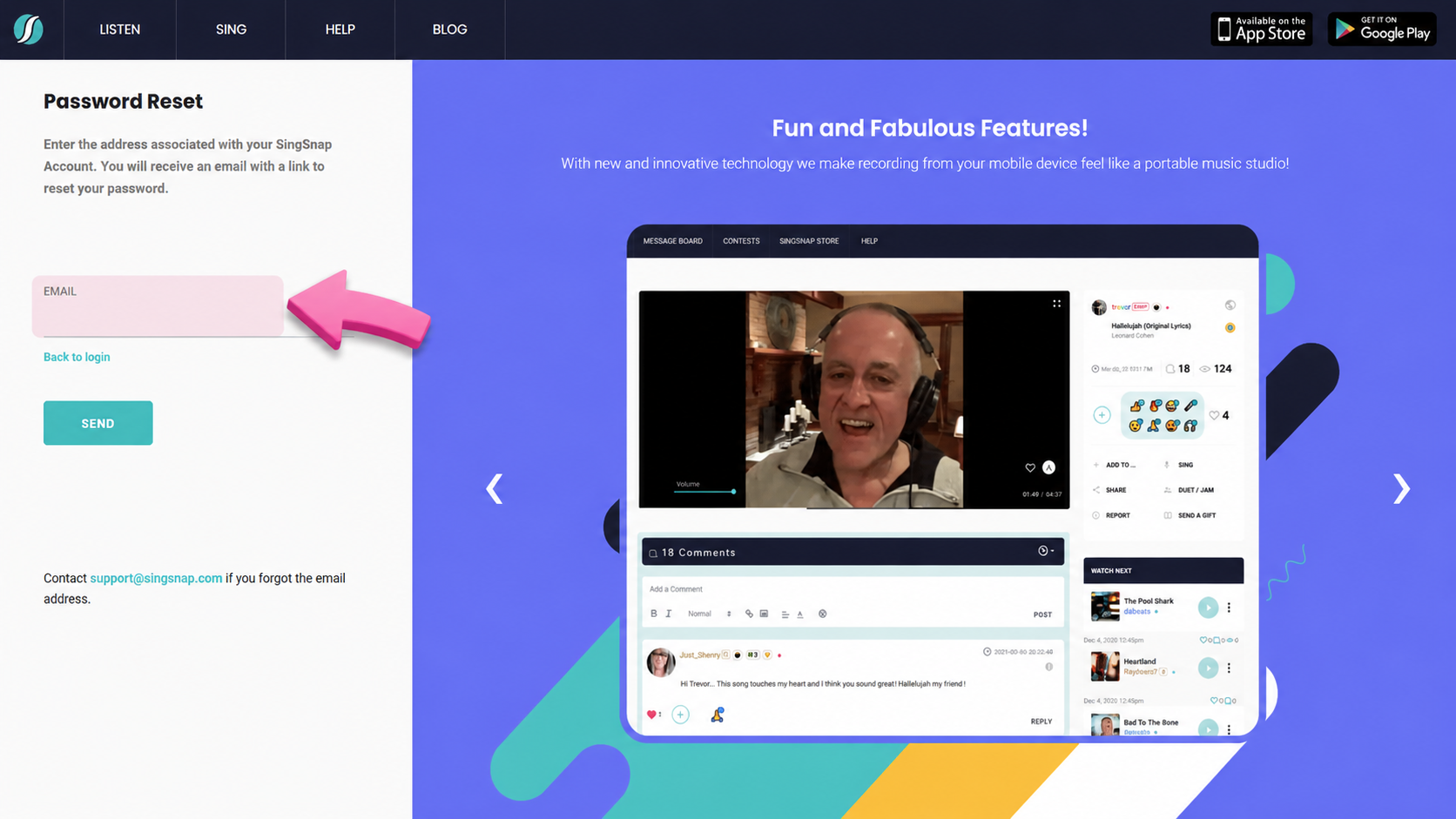
Step 3: Enter Your Email Address
On the next screen, you will be prompted to enter the email address associated with your SingSnap account. Type it into the field and press Send.
Step 4: Check Your Inbox
SingSnap will look up the account information associated with that email and automatically send you a recovery message.
- Open your email inbox.
- Look for an email from SingSnap containing your password reset link.
- Click the link in the email to create your new password!
Tip: If you don't see the email within a few minutes, be sure to check your Spam or Junk folders, just in case it got filtered!